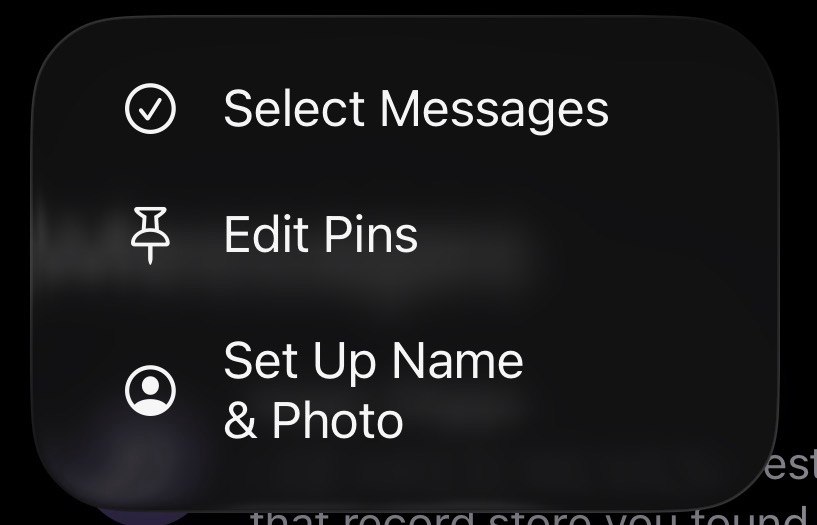
If you want to mark all of your txts in iMessage as read, you click "Edit" at the top of the screen, which presents this context menu.
Next step would be "Select Messages", because you can't mark all your txts as read unless you've selected all the messages, right?
iMessage thinks differently, and delivers a "Read All" button at the bottom of the screen, before you can select a single message, or are given the chance to select all (they do not give you the chance to select all).
You'd be right to think that a button that says "Read All" might take you to a view where you can quickly scan and read all of your unread messages, when the button really means "Mark All as Read".
So, to do exactly that, you need to know that's an "Edit" feature, and know you need to click "Select Messages" which will create a bail-out button at the bottom of the screen, spawned but spatially disconnected from your previous action, which will allow you to do the thing you want, without going through all the steps.
It's a shortcut that's not a shortcut. Such a truncated, inexpert way of bypassing what the app is helping you achieve.
Can't recall any other platform/service/app where you're allowed to mark all as read, before selecting “all”.